
People make presentations every day. And, people use PowerPoint, Keynote, Google slides, or other presentation programs. But do they use these programs correctly?
No! Many people read from their text-cluttered slides, also known as death from PowerPoint. If you are just going to read from your slides, send your audience your presentation to read. Then, have a meeting to discuss what your audience liked and disliked about the presentation.
Professional trainers, corporate instructors, and yes, even some teachers read from their slides. Teaching is not reading!
When I give my students an assignment to make a presentation, I tell them that if they read from their slides, they fail. If your slides are cluttered with text, you will get a lower grade. I also tell them that they don’t need to use slides. A presentation is a way to communicate an idea, goal, plan, etc. Use whatever you feel best expresses your message.
**Write first
Write first, design later. You need to define your content first. What is your presentation about? What do you want to say? Who is your audience? How long do you have to talk?
Don’t worry about how many slides you need to create. You don’t know how many slides you will need until you write your presentation. Yes, sometimes your boss will tell you how many slides you need to create. However, write first, then create the slides. Write down all your ideas and use the best in your presentation. You can always delete slides if you have too much content or write more if you need more slides. Remember, you and your ideas are the presentation. The slides are your props. Your audience is there for you, or sometimes they have no choice, it’s a requirement. Either way, give them the best presentation possible.
Here is an example of my notes.
**Choosing a slide theme
When I complete my writing, I then choose a theme. If your presentation is for work, use the pre-defined theme they give you. I create online classes and for one course, I used a classroom theme.
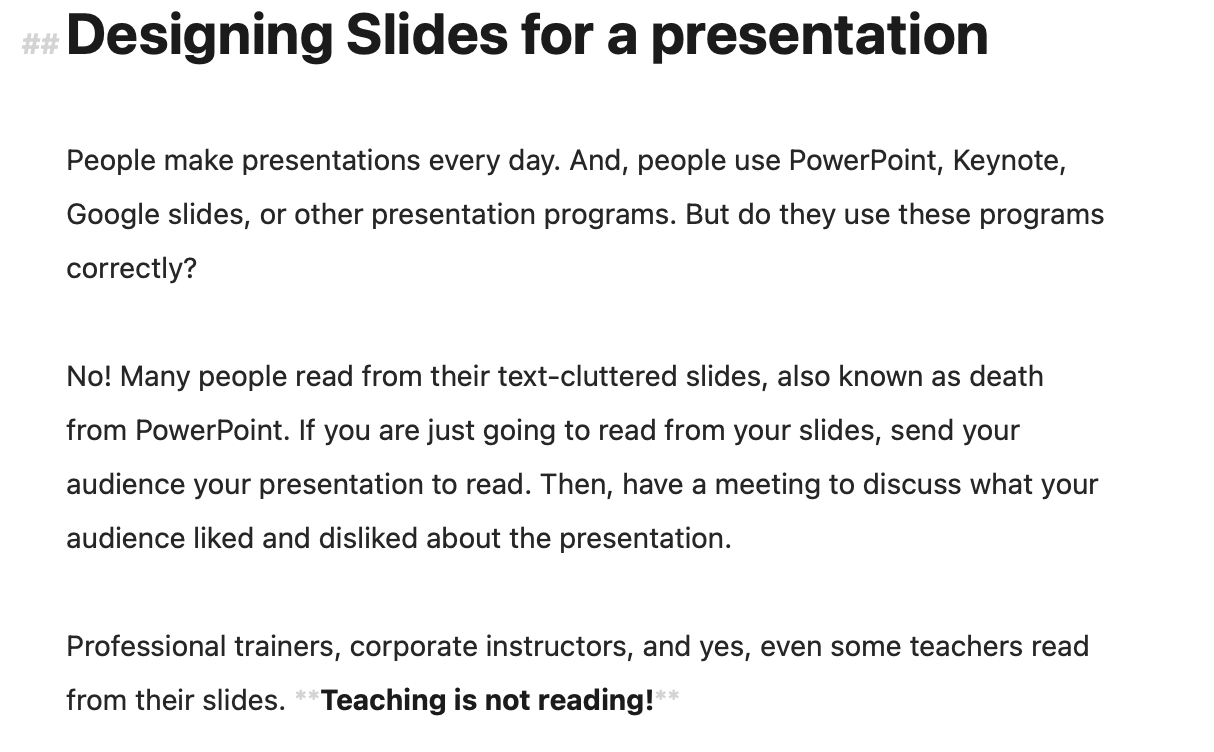
Here are some examples. This slide introduces a concept.
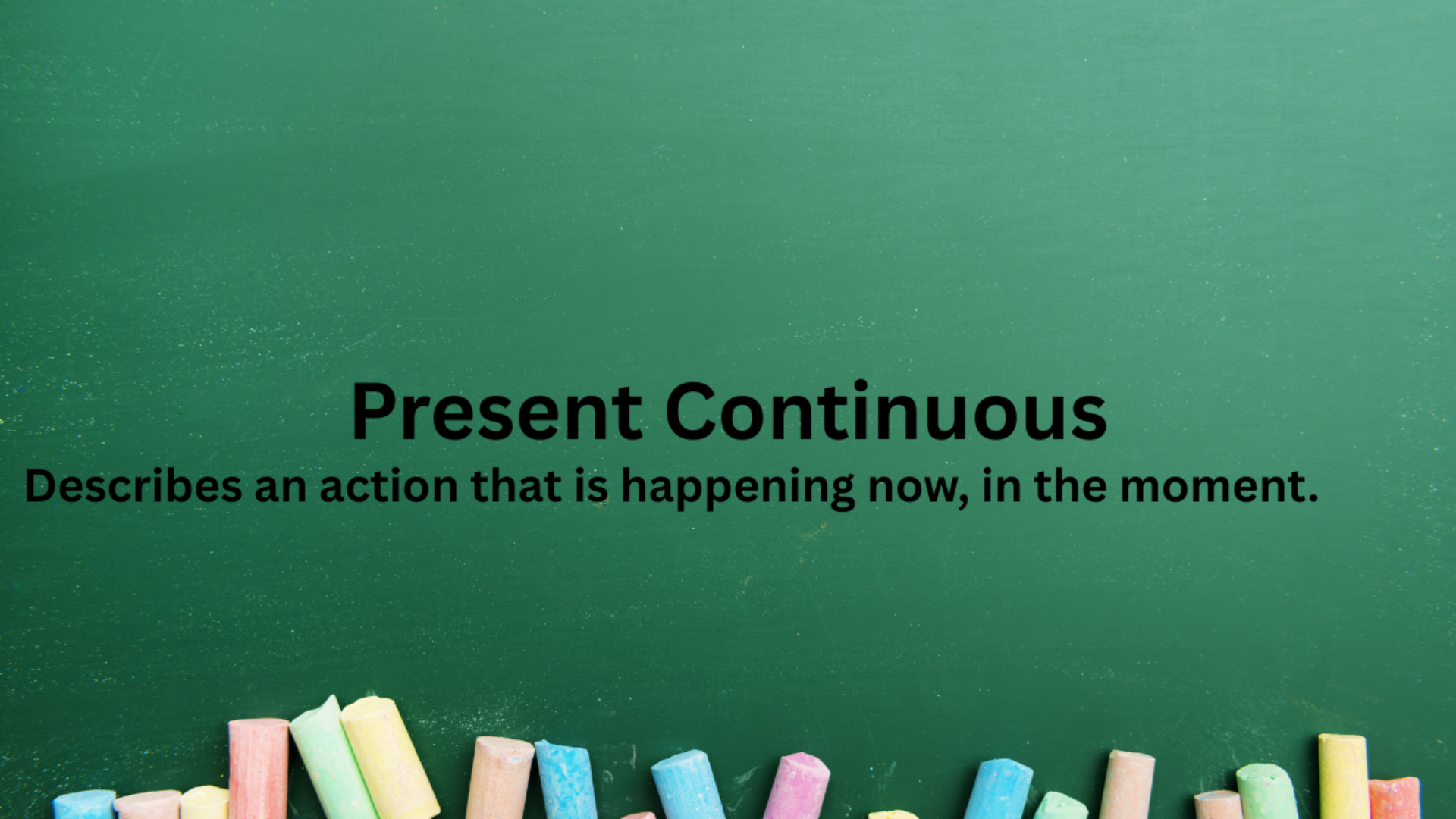
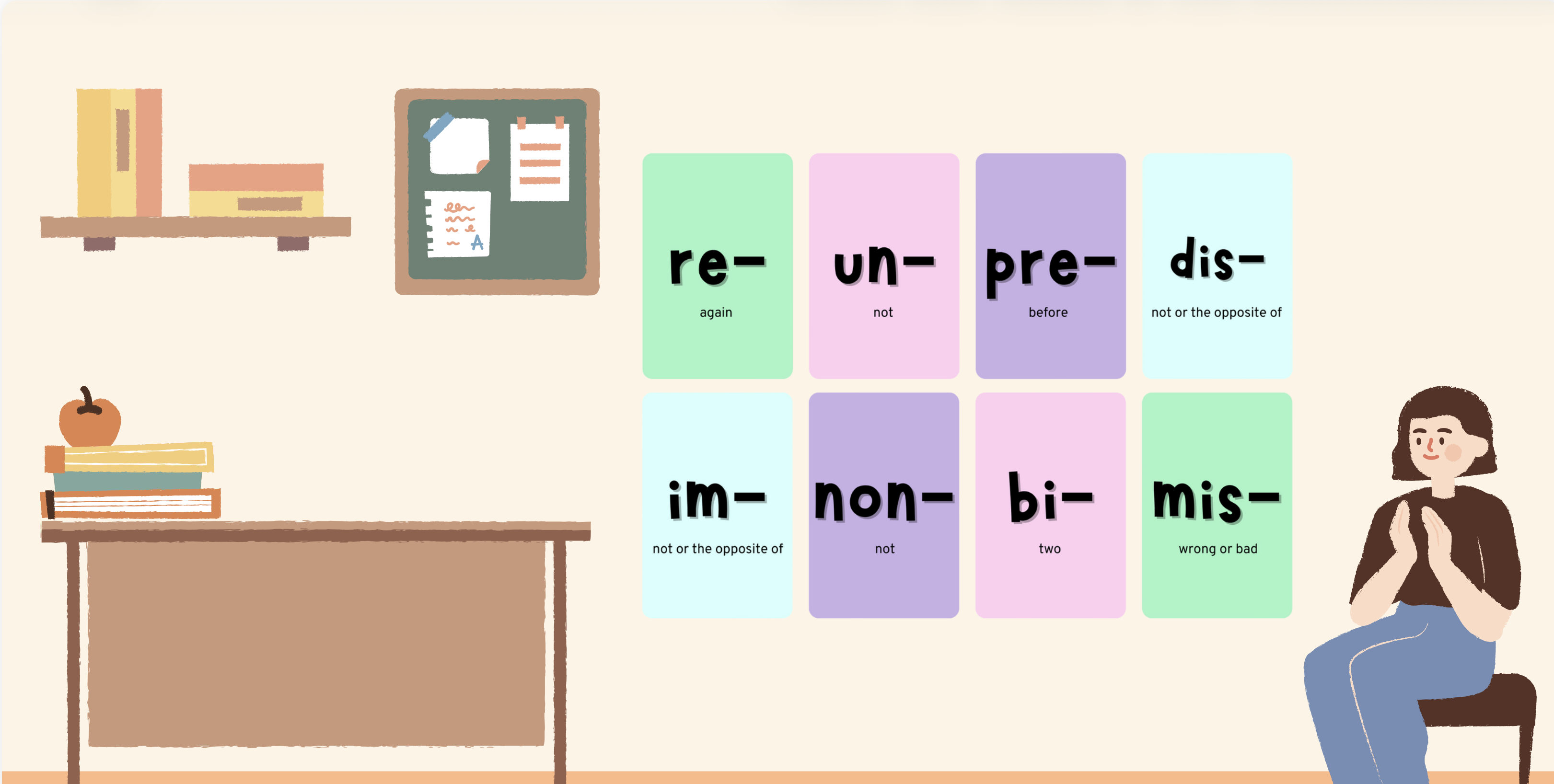
The next slide displays as I am giving examples of words with prefixes. I don’t read the prefixes on the slide and I do not have a slide for the words I am say. The audience can put the two together.
The next slide depicts a multiple-choice question. While the slide displays, I talk about how students can recognize a correct answer without fully comprehending the concept. I discuss that there are many ways to test students and written exams are just one way.
**But I’m not an artist
I’m not an artist or graphic designer. Canva is an excellent tool to design presentations. The examples in this presentation are from Canva. There are also stock photo sites.
**Your slides have words
It’s OK to have words in slides. Presentations are about communication. And, images and words are two ways to communicate. This next slide displays a way to use words and images in a fun way.
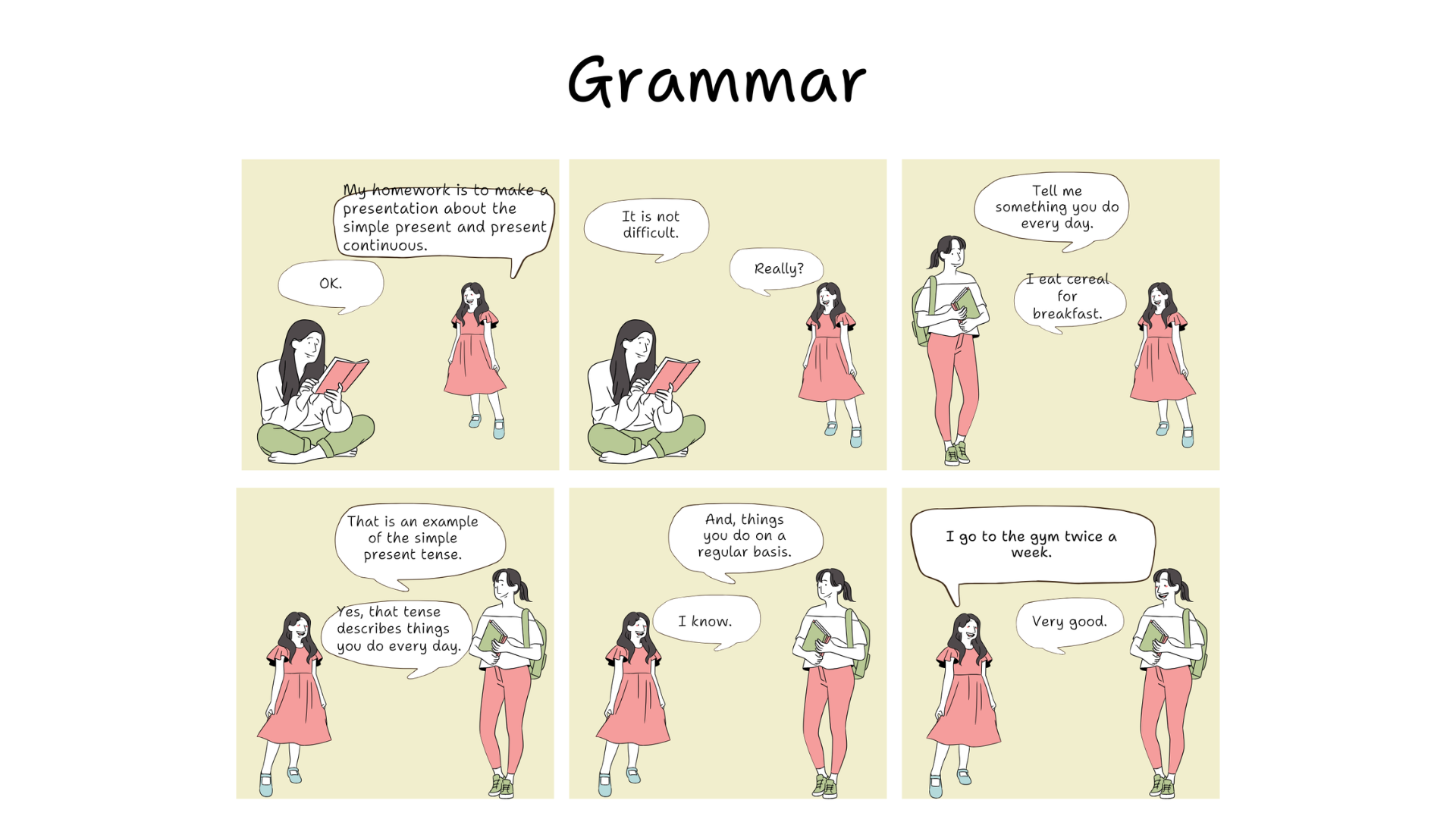
I refer to the slide but I don’t read it. I talk about eliciting grammar while the slide displays.
**Take Away
When you need to make a presentation:
- Write first.
- Don’t worry about the number of slides.
- Your content will define the number of slides.
- Choose a theme.
- Use images to express your ideas.
- Don’t read.
- When you present, the spotlight is not just on your presentation. The spotlight is also on you.